Timeline of Critical Dates in End User Computing (EUC) You Must Know?
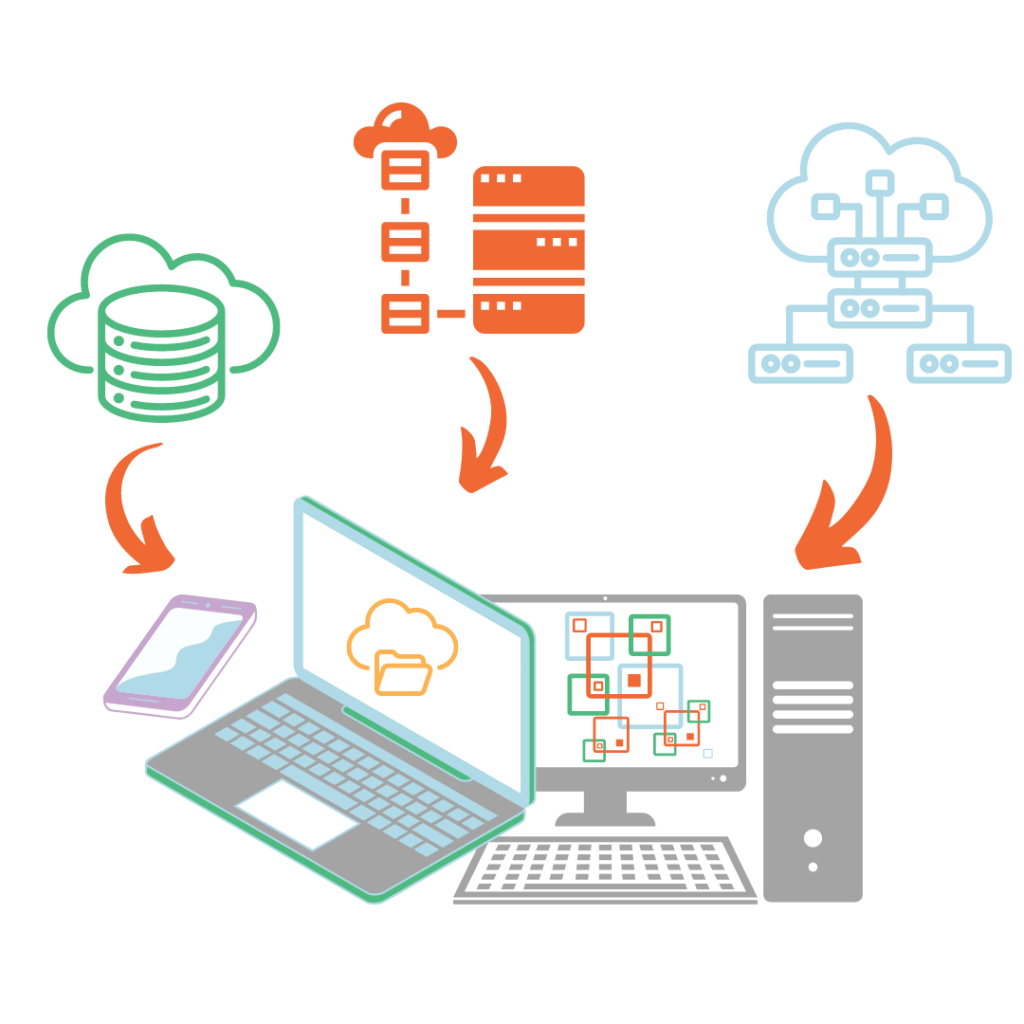
The world of end user computing (EUC) is undergoing significant change, and the next 16 to 18 months will be crucial for Microsoft, Citrix and Horizon customers. From software end-of-life (EOL) events to new releases and upgrades, staying on top of critical dates is essential for maintaining a secure and efficient computing environment.
The timeline below highlights key events and milestones businesses need to be aware of to ensure continuity and compliance within their EUC environments.
2024
January 31, 2024ThinOS 8.6 End of Service and Support (EoSS).
(Warning: Service impacting)
Citrix Universal Hybrid Multi-Cloud License (Virtual NetScaler and bandwidth included)
(New Release)
New Microsoft Teams 2.0 Client rolled out to users by Microsoft; all users will see “Try the new Teams” toggle
(New Release)
New Citrix 2402 LTSR released Support for Server 2022 and OneDrive
(New Release)
Horizon 7.13 End of General Support (EoGS)
(Warning: service impacting)
Windows Server 2025 release, supported by Citrix LTSR 2402
(New Release)
Classic Teams on VDI reaches end of support. This means if you are running Classic Teams on VDI beyond this date, you will be in an unsupported state. Upgrades to Teams 2.0 are necessary.
Note: Teams 2.0 does not run on Windows Server 2016, so planning for operating system upgrades is also necessary.
Check out the blog: Microsoft Teams 2.0 on VDI: What to Do with Classic Teams Sunsetting
(Critical: Must Act)
Citrix Virtual Apps and Desktops 1912 LTSR reaches end of life. A new LTS CR 2402 is available with support for Teams 2.0 and Windows Server 2022.
Check out the blog: Citrix 1912 LTSR EOL: Are you prepared for the transition?
(Critical: Must Act)
2025
31 January, 2025Horizon First Gen Control Plane End of Life (EOL)
(Critical: Must Act)
End of General Support for vSphere 7
(Warning: Service impacting)
End Support M365 Apps on Windows server 2019 and 2016.
Microsoft 365 apps will not be supported on Windows Server 2016 and 2019 after this date. Users need to upgrade their Office versions and potentially their server operating systems.
(Critical: Must Act)
Windows 10 reaches end of life.
Users need to plan upgrades to Windows 11 or consider alternative device platforms such as virtual desktops, mobile devices, or dedicated device platforms like IGEL.
Check out the blog: Rethink Your Endpoint Strategy: Essential Insights for Navigating Windows 10 End of Life
(Critical: Must Act)
2026
14 April 2026Microsoft Application Virtualization 5.1 reaches end of life While App-V is not likely to stop working, Microsoft is likely to remove the client from the Windows OS. Users should be planning for migrating to AppX and App attach, or a third-party application virtualization solution
(Warning: Service impacting)
Stay updated on EUC critical events
Thank you for reaching out to Insentra. We’ve received your request and our team of experts will be in touch with you shortly to discuss your EUC upgrade needs.
In the meantime, feel free to explore more about our services and solutions on our website. We’re here to ensure your IT environment remains secure, supported, and up-to-date.
We’ve sent a copy to your inbox. Remember to mark hello@insentragroup.com as a “safe sender”, and to check any junk or spam folders so you receive your copy.

Consult Chat Discuss with our experts!
In today’s rapidly evolving digital landscape, the urgency to safeguard sensitive data and digital assets from sophisticated cyber
Experience the transformative capabilities of Microsoft SharePoint today. This powerful tool offers a myriad of features capable of elevating your organization’s collaboration, communication and productivity. Our eBook “SharePoint: The Ultimate Guide” shares all you need to know to utilise this platform to its fullest potential.
Feeling like you’re wrangling a chaotic zoo of devices? Laptops, tablets, smartphones – it’s a jungle out there! Keeping them all secure, compliant and functioning smoothly can be a wild ride.