

Every few years, another Windows lifecycle event forces the same scramble across your fixed-function fleet. Here’s how to build an EUC strategy that finally stops resetting on Microsoft’s clock.
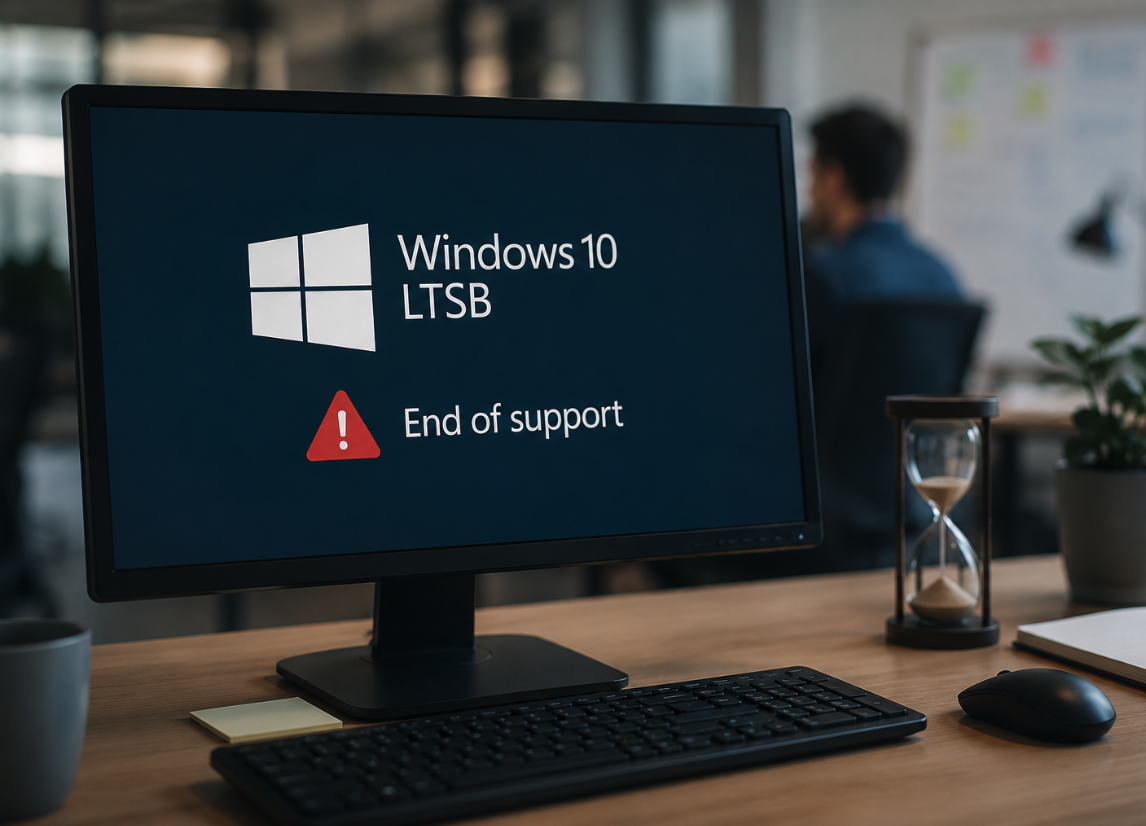
| 13 October 2026 | Windows 10 Enterprise 2016 LTSB (version 1607) reaches end of extended support. After this date: no more security updates, no non-security fixes, no technical support — unless you pay for a limited Extended Security Updates bridge. |
Situation
Windows 10 Enterprise 2016 LTSB (build 1607) was built for exactly the kind of device organizations don’t want to touch often — kiosks, point-of-sale terminals, ATMs, manufacturing HMIs, medical devices, and other fixed-function endpoints where stability mattered more than new features. That’s precisely why it’s still in production nearly a decade later.
On 13 October 2026, that stability runs out. Microsoft’s Fixed Lifecycle Policy closes out extended support on that date, and any device still running Windows 10 Enterprise 2016 LTSB stops receiving security updates, non-security fixes, and technical support. Microsoft is offering a paid Extended Security Updates (ESU) programme as a bridge — but it’s capped at three years, the price doubles every year, and each year must be purchased cumulatively.
Security Risk
Every unpatched device left in place after October 2026 is a permanent, unremediated vulnerability on your network — and these are often the devices with the least oversight.
Hardware Risk
Much of this fleet is older hardware chosen for longevity, not spec. A large share won’t meet Windows 11 Enterprise LTSC requirements, ruling out a straightforward in-place OS upgrade.
Case Notes
ESU for LTSB 2016 is a bridge, not a fix. Pricing doubles each consecutive year and is cumulative — enrolling in year two means paying for year one as well. It buys time; it doesn’t remove the underlying problem.
Rollout Effort Note
Standing up a fresh Windows 10 Enterprise LTSC 2021 image is a real project, not a simple reimage: per-model driver certification, application compatibility testing across a decade of platform drift, and full security hardening — baselines, endpoint protection, policy rebuild — before devices return to production. Budget months per device class. It also only buys until 12 January 2027, when standard LTSC 2021 itself reaches end of support; only the IoT variant runs to 2032, and that requires separate OEM licensing.
The Better Path
The default response to an EOL deadline is to find the next Windows version and repeat the cycle — upgrade to Windows 11 LTSC, or buy ESU and revisit this problem again in three years. For general-purpose PCs, that may be the right call. But for fixed-function endpoints — devices that exist to display a workspace, an application, or a session rather than to run a full local Windows install — there’s a fundamentally different option: stop putting Windows on the endpoint at all.
IGEL OS replaces the local operating system with a secure, Linux-based, purpose-built OS designed to do one thing well: give users what they need, however that’s best delivered — running the required applications directly on the endpoint, or securely connecting to a hosted Windows service such as a virtual desktop, DaaS, or cloud workspace (Citrix, VMware Horizon, Microsoft AVD, Windows 365, among them) when needed. Where a hosted Windows session is used, it lives in that backend environment, with its own lifecycle, its own patching cadence, and its own security boundary — one that’s already someone’s job to maintain. Either way, the endpoint no longer carries a Windows attack surface, which means the Windows end of life date stops being an endpoint problem entirely.
This also solves the hardware constraint from the impact cards above. IGEL OS has a much smaller compute footprint than Windows, so devices being pulled from service simply because they can’t meet newer Windows hardware requirements can often be repurposed and kept running under IGEL OS instead — extending their useful life until they genuinely fail or are no longer fit for purpose, rather than being retired prematurely over an OS requirement. IGEL’s UD Pocket option even lets a device boot IGEL OS from a small hardware key without touching its existing internal storage, useful where a device’s certification or warranty terms restrict what can be installed locally.
The Opportunity
An EOL deadline is normally treated as a forced upgrade. Here it’s a forced decision point — and for endpoints whose only real job is displaying a session, it’s the moment to permanently decouple the endpoint’s lifecycle from Windows’s lifecycle, rather than just renewing the same obligation for another few years.
What Needs to Happen
| 1 | Inventory the 1607 estate – Identify every device still on Windows 10 2016 LTSB, its role (kiosk, POS, thin client, HMI, etc.), its hardware specs, and whether it meets Windows 11 requirements. | NOW |
| 2 | Segment by function, not just hardware – Split the fleet into devices that genuinely need a local Windows install and devices that only need to render a remote session or app. The second group is a candidate for IGEL OS. | NOW |
| 3 | Pilot IGEL OS on a representative group – Convert a small batch of eligible endpoints, connect them to your existing platform, and validate performance, peripherals, and user experience before scaling. | PLAN |
| 4 | Use ESU only as a deliberate, time-boxed bridge – For devices that must stay on Windows 10 2016 LTSB past October 2026 for certification or vendor-support reasons, enrol in ESU consciously — as a funded, dated stopgap, not a default. | PLAN |
| 5 | Consolidate management into a single console – Bring converted endpoints under IGEL’s Universal Management Suite (UMS) so policy, updates, and monitoring for the whole repurposed fleet sit in one place rather than spreading across tools. | PLAN |
Bottom Line
The October 2026 deadline is fixed, and ESU is a real but limited bridge — three years, doubling in cost, cumulative. For general-purpose Windows PCs, planning a conventional upgrade is still the right call. But for the kiosks, terminals, and fixed-function devices that make up a large share of any Windows 10 LTSB estate, this is the moment to ask a different question: does this device need to run Windows locally at all, or does it just need to show one securely? Where the answer is the latter, IGEL OS turns an EOL deadline into a one-time move off the Windows endpoint lifecycle for good.
Key Facts at a Glance
| · Windows 10 2016 LTSB (1607) EOS: 13 October 2026 · Many devices won’t meet the Windows 11 LTSC hardware specs | · ESU bridge: up to 3 years, price doubles annually · IGEL OS runs on existing repurposed hardware |
Ready to move beyond the next Windows deadline?
If your organization is still running Windows 10 Enterprise 2016 LTSB, now is the time to assess your options. Whether you’re planning a Windows upgrade, evaluating IGEL OS, or looking to extend the life of your endpoint estate, our specialists can help you build a strategy that reduces risk and avoids repeating the same lifecycle challenges.
Contact us today to discuss your endpoint modernisation strategy and discover whether IGEL OS is the right fit for your environment.