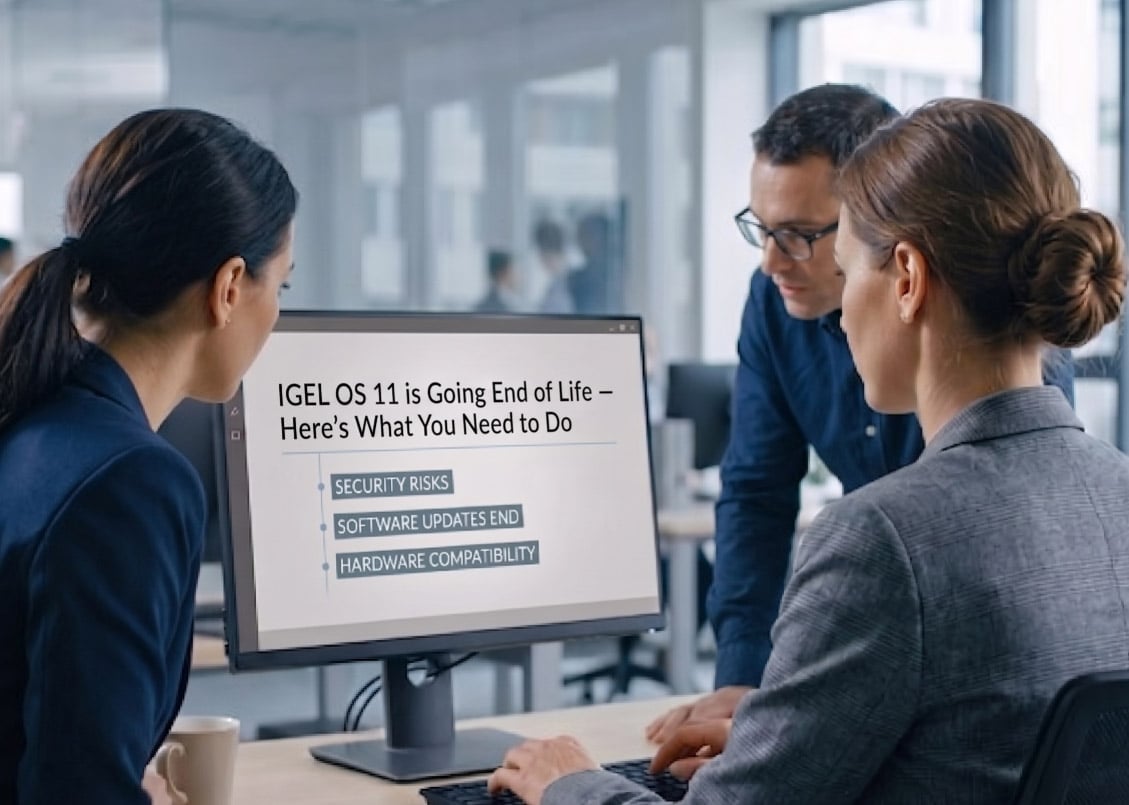
The clock is ticking for organisations running IGEL OS 11. With End of Maintenance confirmed for 30 June 2026, the window to plan and execute a migration to OS 12 is narrowing fast.
OS 11 perpetual licence renewals end. Subscription migration pricing available.
Microsoft Secure Boot revocation list update — older OS versions blocked from booting after BIOS update.
BIOS updates applied before OS migration can render devices unbootable — an outage risk if not managed carefully.
For many organisations running virtual desktop infrastructure (VDI) or cloud-delivered workspaces, IGEL OS 11 has been a trusted workhorse for years. Its lightweight Linux footprint, centralised management via the Universal Management Suite (UMS), and broad hardware compatibility made it the go-to choice for thin client and repurposed PC deployments around the world.
But that chapter is now firmly closing. IGEL has confirmed that OS 11 reaches End of Maintenance (EOM) on 30 June 2026, after which no further updates, security patches, or Secure Boot certificates will be issued. For IT teams that haven’t yet started their migration planning, now is the time to act.
IGEL OS 11 will no longer receive any updates — including Secure Boot certificates — after 30 June 2026. Devices left on OS 11 post this date will be unsupported and increasingly vulnerable.
End of Maintenance isn’t just an administrative milestone. Once an OS stops receiving security updates, the risk profile of every device running it climbs steadily. In a world where thin clients and endpoint devices sit at the front door of your cloud or virtual desktop environment, leaving them unpatched is an invitation for trouble.
There’s also a very concrete Secure Boot complication to contend with. In October 2025, Microsoft delivered an updated Secure Boot revocation list that prevents older IGEL OS versions from booting once a BIOS/UEFI firmware update is applied. Organisations that update their endpoint firmware without first updating IGEL OS to a compatible version may find devices that simply won’t start.
Do not apply BIOS/UEFI firmware updates to IGEL OS endpoints before ensuring they are running OS 11 version 11.10.410 or later, or have been migrated to OS 12 version 12.7.0 or later. Failure to do so may result in devices being unable to boot.
IGEL OS 12 isn’t simply OS 11 with a version bump. It represents a fundamental architectural rethink, introduced as part of the broader IGEL COSMOS platform launched in April 2023. Since then, IGEL has continued to build on that foundation, most notably with the IGEL Adaptive Secure Desktop™ — a capability that delivers role-based, persona-driven workspaces, dynamically tailoring applications and data access to each user while enforcing Zero Trust security principles at every login and logout. This evolution makes the case for migrating to OS 12 even stronger: organisations that move now will be positioned to take full advantage of these advances, not just maintain the status quo. Understanding what’s changed in the platform will help IT leaders make the case for migration investment internally.
The OS base is completely separated from its applications, enabling independent updates without a full OS upgrade.
Apps like Citrix Workspace, Zoom, and VMware Horizon can be delivered and updated via the IGEL App Portal independently of the OS.
A rebuilt, web-based management console that supports both OS 11 and OS 12 simultaneously, easing phased migration.
New telemetry and compliance dashboards give IT teams visibility into endpoint health, security posture, and usage.
Critically, UMS 12 can manage a mixed estate of OS 11 and OS 12 devices simultaneously. This means organisations don’t need to execute a disruptive “big bang” migration — they can move device groups across at their own pace while managing everything from a single console.
With UMS 12, you can run OS 11 and OS 12 devices side by side. There’s no need to migrate your entire fleet at once. Plan a phased rollout that fits your operational rhythm.
| Area | IGEL OS 11 | IGEL OS 12 |
|---|---|---|
| Architecture | Monolithic OS — full updates required for any change | Modular: base OS separated from apps |
| App updates | Bundled with OS firmware | Independent via IGEL App Portal |
| Management UI | UMS 6 (legacy desktop client) | UMS 12 (modern web-based console) |
| Licensing model | Perpetual (now retired) or subscription | Subscription (Platform Access Subscription) |
| Onboarding | Manual or USB provisioning | Self-enrolment via IGEL Onboarding Service (under 5 min) |
| Security updates post Jun 2026 | None | Ongoing |
| Secure Boot support | Requires v11.10.410+ to boot after BIOS updates | Fully supported from v12.7.0+ |
Whether your fleet is 50 devices or 50,000, the migration from OS 11 to OS 12 requires planning. Here’s a practical framework for getting started.
1
5
6
Instruct your infrastructure and device management teams not to apply BIOS or UEFI firmware updates to any IGEL endpoint until that device has been confirmed on OS 11 v11.10.410+ or OS 12 v12.7.0+. Communicate this clearly across teams — an automated patch management tool applying a BIOS update could leave devices unbootable.
End-of-life migrations have a habit of compressing at the worst possible time. What looks like months of runway today becomes weeks when procurement cycles, change management approvals, and phased rollouts are factored in. The organisations that will feel the least pain are those that start assessing, planning, and piloting now — not in Q1 2026.
The good news is that IGEL has been thoughtful in its migration approach. UMS 12’s backwards compatibility, the availability of IGEL’s migration tooling and documentation, and the phased licensing options all make this a manageable project for most organisations. However none of that helps if planning is deferred too long.
If you’re a Citrix, AVD, or VMware Horizon shop with IGEL OS 11 in your environment, the question isn’t whether to migrate — it’s whether you have a plan to do so before 30 June 2026.
IGEL OS 11 reaches End of Maintenance on 30 June 2026 — no further security updates, patches, or Secure Boot certificates after this date. Upgrade UMS to version 12 immediately. Migrate OS 11 perpetual licences to subscription. Freeze BIOS updates until endpoints are on compatible OS versions. Plan time to rebuild OS 12 profiles from scratch — OS 11 profiles do not migrate directly. Run a pilot, then execute a phased rollout well before the deadline. And look ahead: OS 12 is the foundation for the IGEL Adaptive Secure Desktop and the broader IGEL platform roadmap. Engage your IGEL partner or account team now to understand your specific licensing and migration path.
Need help planning your IGEL OS 12 migration? Contact us to assess your environment, minimise risk, and build a phased migration strategy tailored to your organisation.
Insentra can augment end user service capabilities and accelerate business growth. Whether it’s an opportunity you can’t address, some pre-sales assistance, clients asking for a Professional or Managed service you can’t deliver, you’re struggling to break into new markets and accelerate your channel, or you’re frustrated trying to juggle multiple providers for all your IT needs – Insentra can help.
Empower yourself to seize every opportunity. Partner with Insentra.
We’re a certified amazing place to work, with an incredible team and fascinating projects – and we’re ready for you to join us! Go through our simple application process. Once you’re done, we will be in touch shortly!
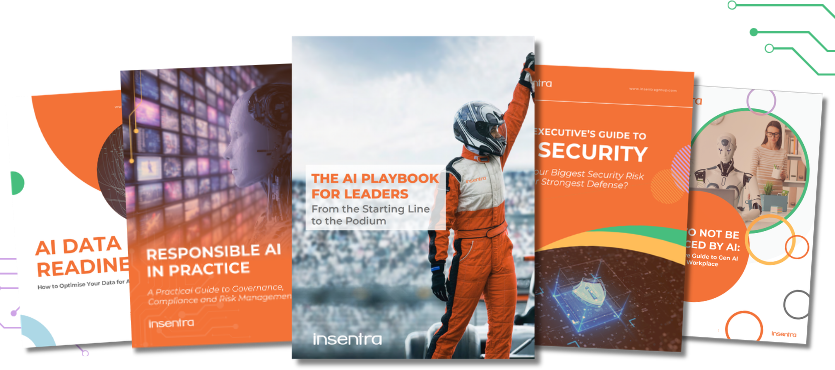
Expert-led guides to help you navigate AI with confidence, security and strategy.

95% of AI pilots deliver zero measurable business impact. Not because the technology failed. Because the strategy did. AI Momentum is Insentra's proven system that embeds AI into the core operations that drive competitive advantage. Free to start. Measurable at every phase.
Imagine a business which exists to help IT Partners & Vendors grow and thrive.
Insentra is a 100% channel business. This means we provide a range of Advisory, Professional and Managed IT services exclusively for and through our Partners.
Our #PartnerObsessed business model achieves powerful results for our Partners and their Clients with our crew’s deep expertise and specialised knowledge.
We love what we do and are driven by a relentless determination to deliver exceptional service excellence.

We are proud to announce that Insentra has successfully maintained its ISO/IEC 27001:2022 and ISO/IEC 27701:2019 certifications