

Organisations have invested significantly in modernising how they manage endpoints, strengthen security controls and provide employees with access to the applications they need. However, many organisations are finding that the desktop experience is no longer defined by the device alone. The challenge is no longer only about managing devices effectively, but understanding how technology can support a diverse workforce with different ways of working.
For many years, the desktop was defined by the physical device assigned to an employee. The laptop or desktop computer represented the workplace experience, with the operating system, applications and management processes centred around that endpoint. This created a familiar and effective approach for delivering technology services, but the way people work has continued to evolve.
Today, employees may work from corporate offices, home environments, customer locations or a combination of different locations throughout the week. They expect secure and reliable access to the tools they need, while organisations are looking for greater flexibility in how they support different roles, responsibilities and business requirements.
This shift has created a broader question for organisations: when the desktop is no longer defined by a single device, how do organisations create an experience that enables employees while meeting business requirements?
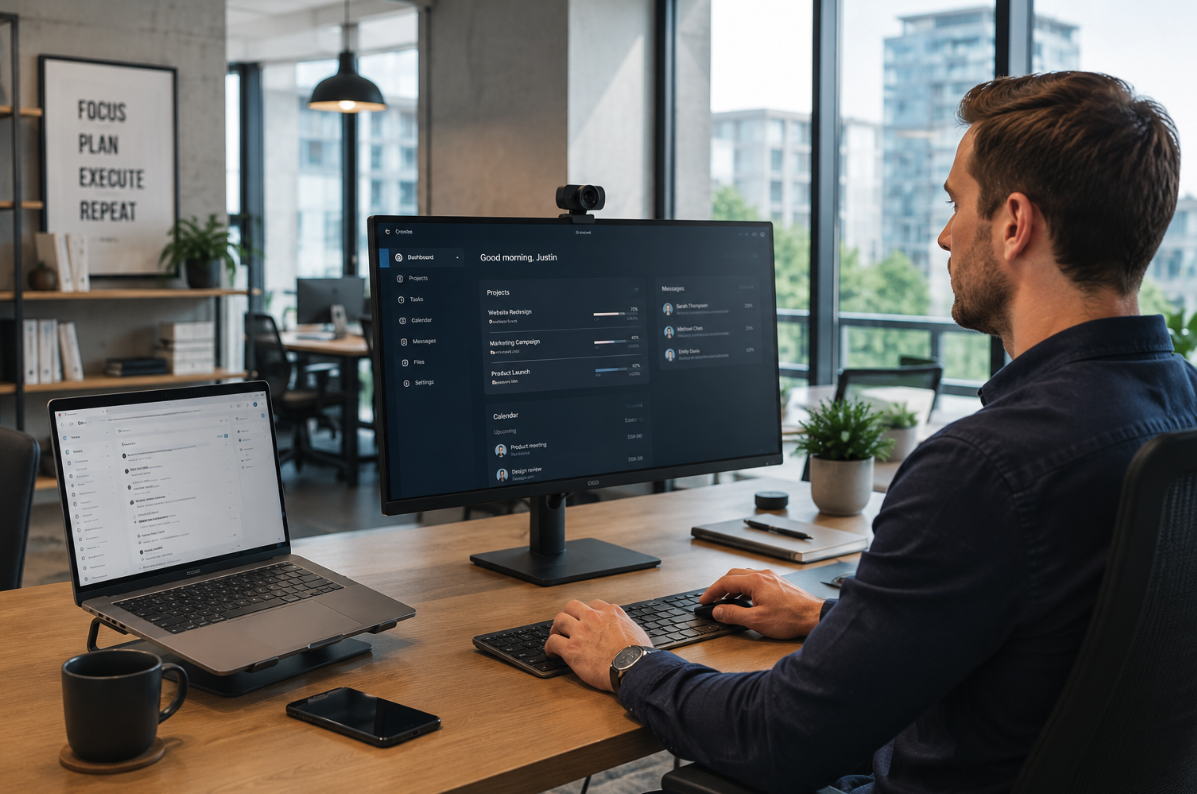
The focus is moving beyond simply providing hardware and towards understanding how technology supports the experience employees receive. This includes considering the applications people rely on, the environments they operate in, and the capabilities required to enable them to be productive. For some employees, that experience will continue to centre around a Windows device. For others, productivity may increasingly be enabled through mobile devices, browser-based applications or cloud services that reduce the dependency on a single endpoint. The modern desktop is therefore becoming less about the device itself and more about providing a consistent experience regardless of how employees access their digital workplace.
As organisations evaluate their future desktop strategy, they are increasingly considering questions such as:
- What experience does the organisation want to provide to employees?
- How do different roles and ways of working influence the technology experience required?
- How can organisations balance flexibility, security and operational consistency?
- How can desktop experiences adapt as workforce requirements continue to change?
These questions shift the conversation beyond the endpoint itself and towards understanding the experience organisations are trying to create.
The modern desktop is not one experience for everyone
One of the challenges organisations face when thinking about desktop strategy is that employees do not all work in the same way. Personas provide a useful way to understand broad workforce requirements, but the experience required by individuals within those personas can vary significantly depending on their responsibilities, applications, working patterns and business objectives.
For example, two employees may both be considered knowledge workers, but the way they interact with technology may be very different. One may spend most of their time collaborating through cloud applications, while another may rely on specialist applications, large datasets or workflows that require additional computing capability.
This means that understanding personas is an important starting point, but it is not the complete picture. Organisations also need to consider how people actually work, the applications they use, the environments they operate in and the challenges they experience throughout their working day.
A modern desktop strategy is therefore less about creating a single standard experience for everyone and more about understanding where consistency creates value and where flexibility is required.
Organisations are increasingly exploring questions such as:
- What personas exist within the organisation and what experiences do they require?
- How do individuals within those personas interact with technology today?
- Where does the current desktop experience support productivity?
- Where do existing approaches create friction for employees or IT teams?
By understanding both personas and individual ways of working, organisations can create a clearer picture of the experience they are trying to provide and the capabilities required to support it.
Windows 11 provides the foundation for the modern desktop experience
Within this changing desktop landscape, Windows 11 provides an important foundation for organisations looking to modernise their workplace experience. While Windows 11 is often viewed as an operating system upgrade, its role extends beyond replacing an existing version of Windows.
Windows 11 provides a consistent platform that supports modern security capabilities, management approaches and user experiences. It enables organisations to establish a common foundation while creating flexibility in how different employees access and interact with the technology they require.
This consistency becomes increasingly valuable as organisations consider the different ways employees work. Whether an employee requires a traditional physical device, a cloud-based desktop experience or access to a virtual environment, a consistent Windows foundation helps organisations maintain familiarity for users and manageability for IT teams.
The adoption of Windows 11 therefore represents more than a technical transition. It provides an opportunity for organisations to evaluate how their desktop environment aligns with workforce expectations, how technology supports different ways of working and how the workplace experience can continue to evolve.
A modern desktop strategy begins with understanding the experience organisations are trying to create and how the underlying technology foundation can support that outcome.
Supporting different ways of working
As organisations consider the future of their desktop environment, they now have greater flexibility in how they support different workforce requirements. The modern desktop experience is no longer limited to a single device type or operating system. It may include Windows 11 devices, cloud-based desktops, virtual environments, mobile devices or browser-based experiences depending on the needs of the organisation and the way people work. Windows 11 establishes the foundation for the modern desktop experience, while Windows 365 and Azure Virtual Desktop extend the options available to support different personas, ways of working and business requirements.
For many organisations, Windows 11 on physical devices will continue to provide a significant part of the workplace experience. Physical endpoints remain highly relevant for employees who require mobility, local processing capability, specialised hardware or the ability to work effectively in environments where connectivity may vary.
Some organisations may benefit from extending the desktop experience beyond the physical device. Windows 365 and Azure Virtual Desktop provide additional capabilities that allow organisations to support different workforce scenarios while maintaining a consistent Windows experience. Rather than representing competing technologies, they offer different approaches that can be aligned to workforce requirements and business outcomes.
Windows 365 provides employees with a dedicated Cloud PC that delivers a consistent and personalised Windows experience regardless of where they are working. With each employee having their own Cloud PC, organisations can provide a familiar and consistent Windows experience while simplifying provisioning, management and ongoing support.
Azure Virtual Desktop offers a different approach by enabling organisations to deliver standardised desktop experiences and applications across shared environments. This can be particularly valuable for organisations supporting task-based work, specialised applications or environments where resource sharing provides greater operational flexibility and efficiency.
Alongside Windows-based experiences, organisations are also considering how mobile devices and browser-based access contribute to the broader digital workplace experience. For some personas, the browser may provide the primary method of accessing applications and services, while mobile devices may enable productivity for employees who are not desk-based or who require flexibility while working remotely or in the field. The modern desktop experience is therefore becoming less about where applications run and more about how effectively people can access the tools they need.
The objective is not to determine which technology is better, but to understand which capability best supports the experience an organisation is trying to create. In many cases, Windows 11, Windows 365 and Azure Virtual Desktop can each play a role, with the most appropriate choice being influenced by personas, ways of working, and broader business objectives rather than the technology itself.
When considering these capabilities, organisations may explore questions such as:
- Which personas and ways of working are best supported through traditional Windows 11 devices?
- Where could Windows 365 provide additional flexibility for employees?
- Where could Azure Virtual Desktop support specific business requirements?
- How can different approaches work together to provide a consistent experience?
The value comes from understanding how these capabilities align with organisational requirements rather than selecting technology in isolation.
Understanding the experience before selecting the technology
While technology capabilities provide organisations with more choice than ever before, selecting a technology approach is only one part of creating a successful modern desktop experience. The outcome is influenced by how well technology decisions align with employee needs, application requirements, security expectations and the operational processes required to support the environment.
A modern desktop experience requires consideration of the broader environment supporting employees. This includes how applications are accessed, how security controls are applied, how devices and services are managed and how support teams operate as workforce requirements continue to change.
The challenge is rarely understanding what a technology capability can provide. The challenge is understanding where it creates value, which personas and ways of working it supports and how it fits within the broader workplace strategy.
This is where organisations often benefit from taking a broader view of desktop transformation. By considering personas, individual ways of working and available technology capabilities together, organisations can explore approaches that support both current requirements and future workforce changes.
Modern desktop transformation is not simply about selecting the next device or platform. It is about understanding the experience employees require and designing an environment that enables productivity while supporting security, flexibility and operational objectives.
Moving beyond the device
The desktop experience has evolved significantly, but many organisations still think about the desktop primarily through the lens of the device. While physical endpoints remain an important part of the workplace, the experience employees receive is shaped by the combination of technology, services and processes that support the way they work.
The Windows platform provides the foundation for this evolution, while capabilities such as Windows 365 and Azure Virtual Desktop provide additional options for organisations considering how they support different personas and ways of working.
The organisations navigating this change are finding that the most important consideration is not simply selecting a technology capability. It is understanding the experience they are trying to create, the challenges they are looking to address and how technology can support the workforce of today and tomorrow.
The future of the desktop is not about moving away from the device. It is about recognising that the device is one part of a broader digital workplace experience, with the most successful organisations designing environments that align technology with the way their people work.
Where to Begin
Creating the right modern desktop experience starts with understanding how people work today and how organisations need to support them into the future. Our team works with organisations to assess their current workplace environment, understand different personas and ways of working, and explore how capabilities including Windows 11, Windows 365, Azure Virtual Desktop, mobile device management and browser-based experiences can support a more secure, flexible and productive workforce.
Contact us to start a conversation about your modern desktop strategy and identify the right experience for your people, your IT teams and your organisation.